


The new desktop app can be used entirely from the keyboard. The macOS app now has a menu bar with all common actions; Windows / Linux use Ctrl shortcuts. The full list is under Help → Keyboard shortcuts.
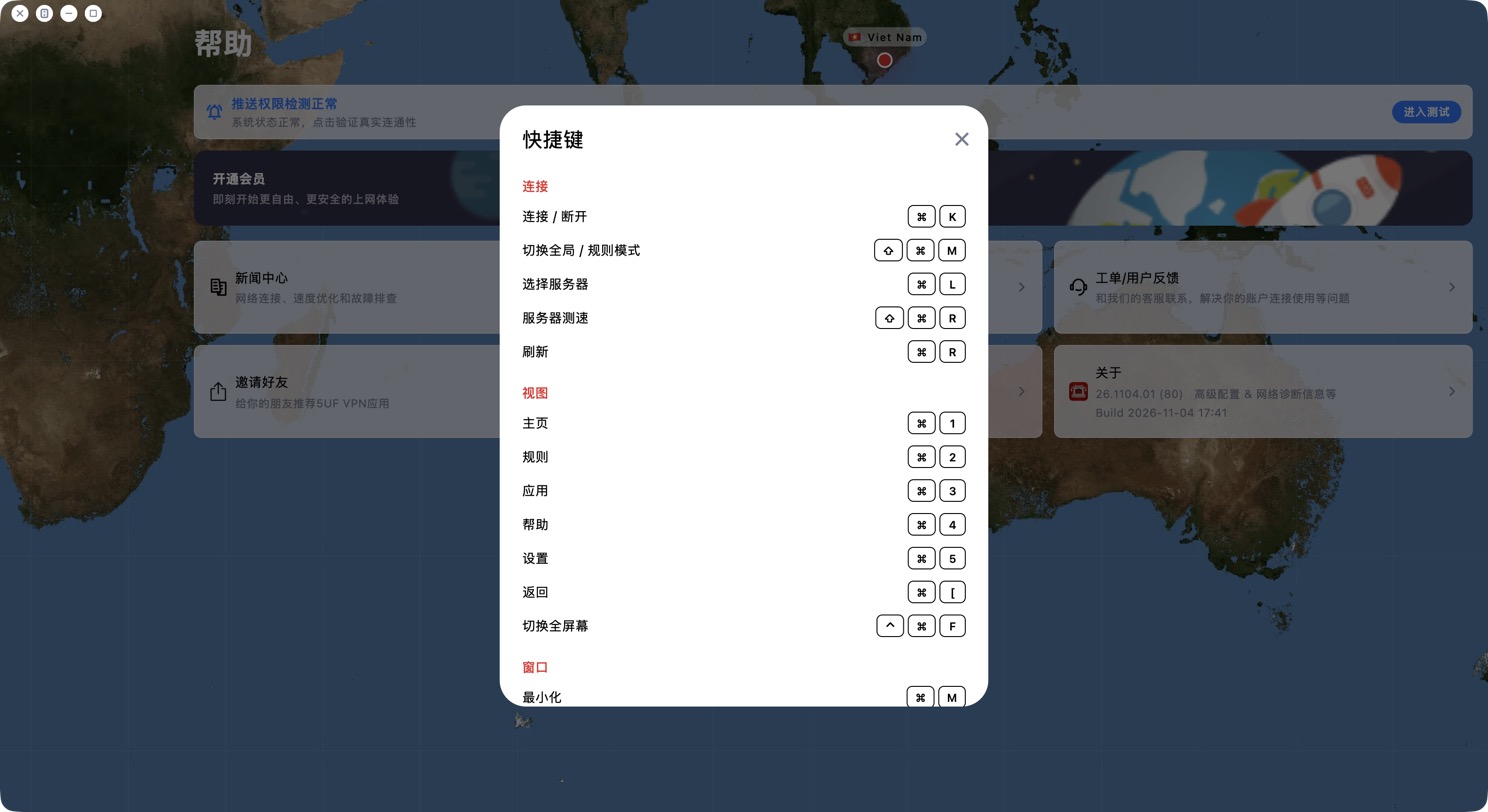
Common shortcuts (⌘ on macOS, Ctrl on Windows / Linux):
• Connect / disconnect: ⌘K
• Switch Global / Rule mode: ⇧⌘M
• Choose server: ⌘L
• Test server speed: ⇧⌘R; Refresh: ⌘R
• Pages: ⌘1 Home, ⌘2 Rules, ⌘3 Apps, ⌘4 Help, ⌘5 Settings
• Back: ⌘[
• Toggle full screen: ⌃⌘F (macOS)
General: Esc closes a dialog or goes back; Tab moves between buttons (Shift+Tab goes back) and shows a focus outline; Enter or Space activates the selected button.


