


The desktop apps (Windows / macOS) have a new Block IPv6 traffic switch on the right side of Settings. It is on by default.
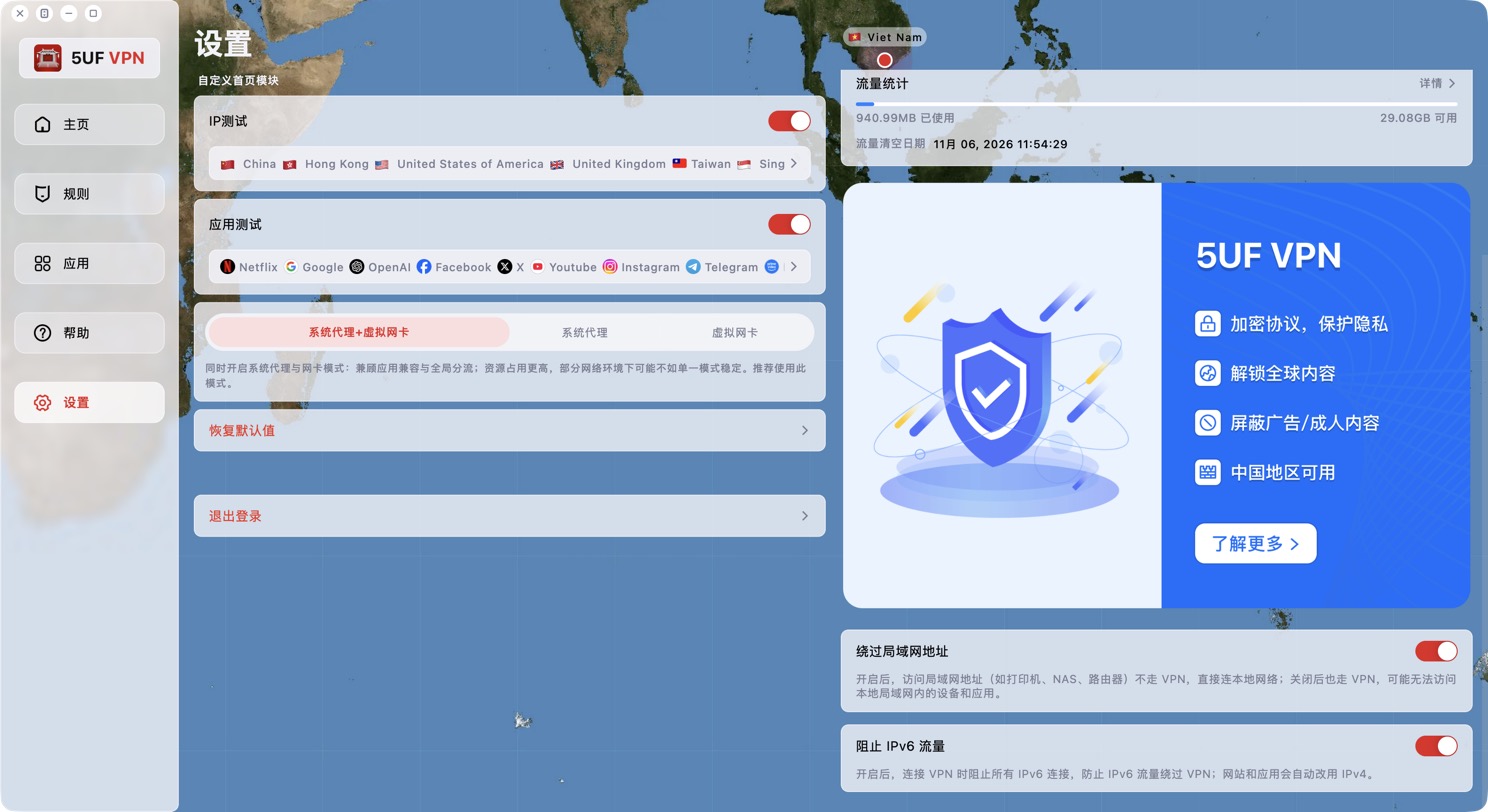
What it does: while the VPN is connected, all IPv6 connections are blocked so IPv6 traffic can't bypass the VPN and expose your real network address. Websites and apps automatically fall back to IPv4, so you normally won't notice any difference.
Recommendation: keep it on. Only turn it off if you really need to reach a service over IPv6. Changing it closes existing connections and takes effect immediately.
With it on, Exit IP Check shows "No IPv6" for IPv6, which is expected. The "Bypass LAN addresses" switch on the same page decides whether local devices such as printers, NAS and routers are reached directly; it's normally left on too.


