


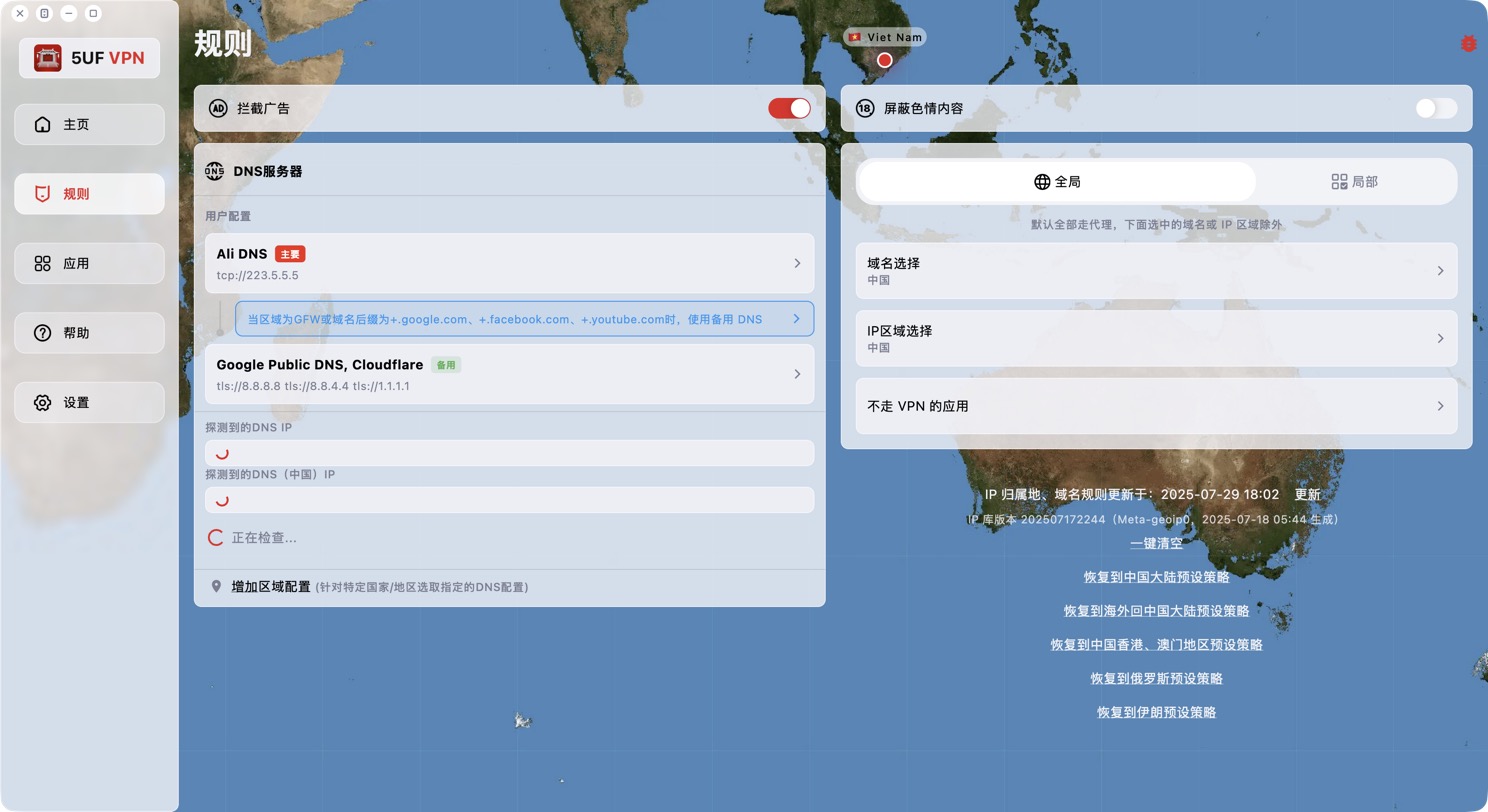
The Windows and macOS apps support per-app routing, set on the Rules page. What you choose depends on the current Global / Rule mode:
• Global mode: all apps use the VPN by default. The item is shown as "Apps that bypass the VPN"; apps you add use your local network directly, for example local banking, games or work software.
• Rule mode: traffic is split by domain and IP rules. The item is shown as "Apps that use the VPN"; all traffic from apps you add goes through the VPN regardless of the rules.
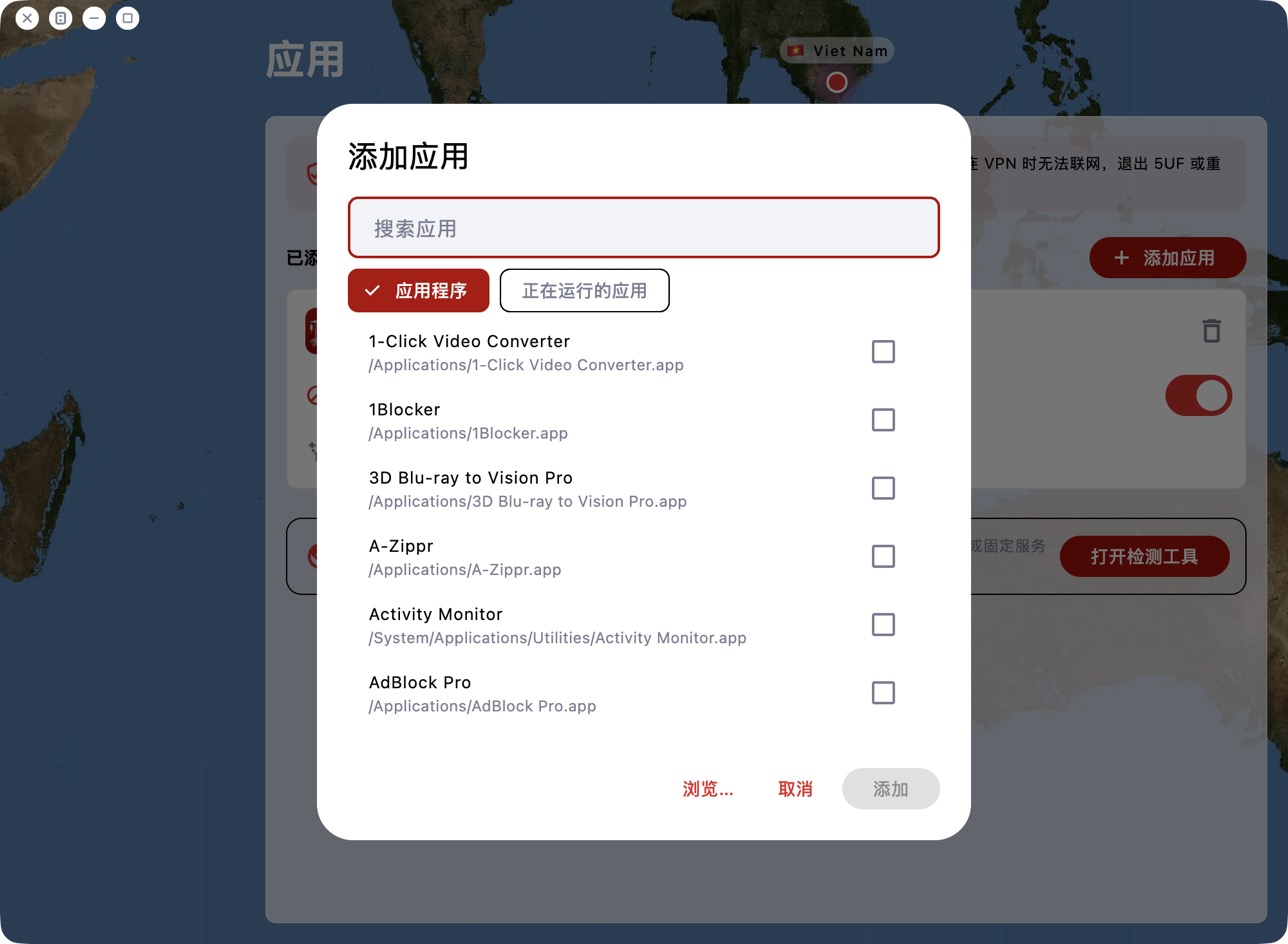
Adding apps: open the item and click Add app. Pick from Applications (Start menu on Windows) or Running apps, or click Browse… to choose a program, then click Add.
Changes take effect immediately, without reconnecting. The card at the top of the home screen shows the icons of routed apps. On macOS, choosing Safari also covers Safari's web content processes.
To clear the list, remove apps one by one; "Restore defaults" in Settings also clears it.


