


After adding an app on the Apps page, each app has a Route option. The default is "Follow current server", the same server you chose on the home screen.
Pin an exit server: click "Follow current server" and choose a server from the list (you can search). The app then always exits through that server, and changing the server on the home screen doesn't affect it. Useful for sites, accounts or trading apps that need a fixed IP.
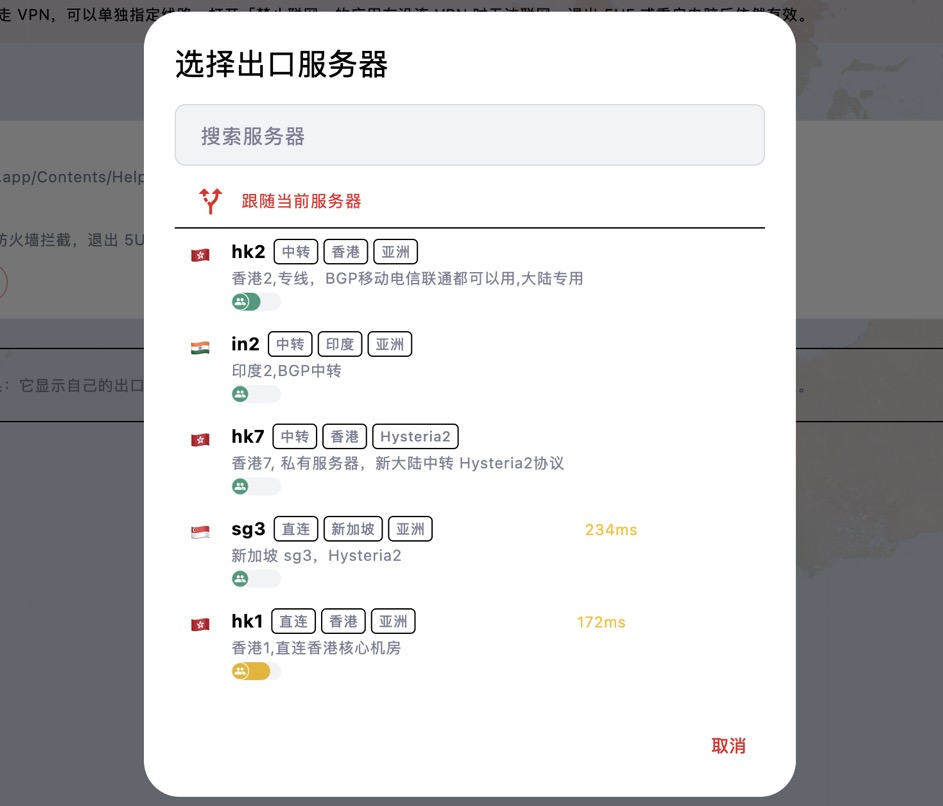
Two-hop chain: after choosing an exit server you can also choose a first-hop server. Traffic connects to the first hop, then through it to the exit server. Websites see the exit server's IP; the first hop only sees encrypted traffic. Both servers must be available for the app to go online.
To undo, choose "Follow current server". If the pinned server is no longer in the server list, the page says so and the app can't go online until you choose another one.


